Integrating with Google Threat Intelligence
If your organization has a Google Threat Intelligence subscription, you can include Google Threat Intelligence data in your PassiveDNS enrichments on ThreatStream.
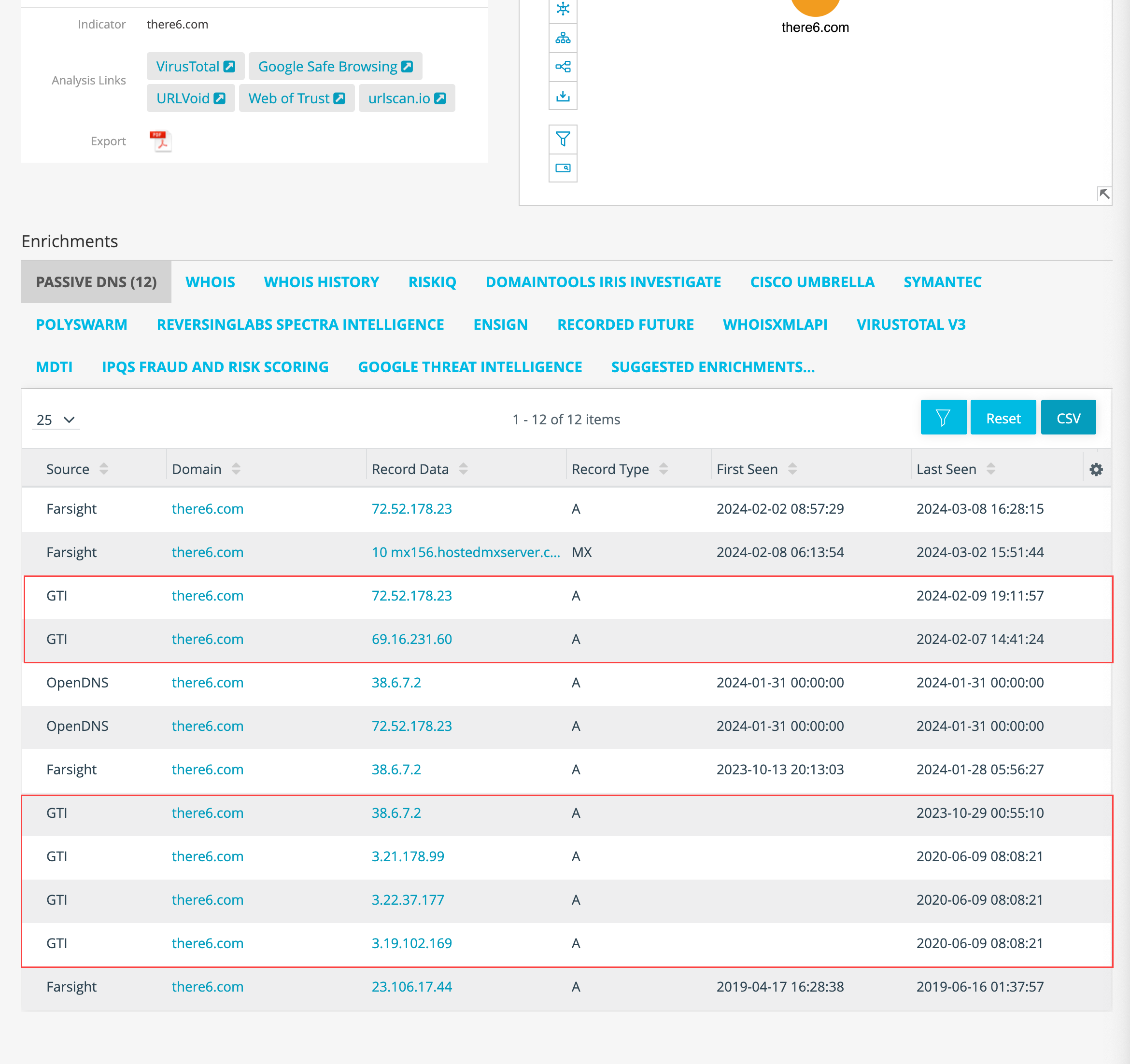
To activate the Google Threat Intelligence integration:
-
In the bottom-left corner of the side navigation panel, click
 > ThreatStream and then click Integrations.
 -
Click Activate on the Google Threat Intelligence tile.
-
Enter your Google Threat Intelligence API Key.
Note: Google Threat Intelligence (GTI) is the new name for the VirusTotal platform. If you have an active VirusTotal subscription, you can use your VirusTotal API Key. If you have a Google Threat Intelligence subscription, use the GTI API Key. For details on how to obtain your GTI API Key, refer to How to get Google Threat Intelligence API keys. -
Click Save.
The integration is now active.